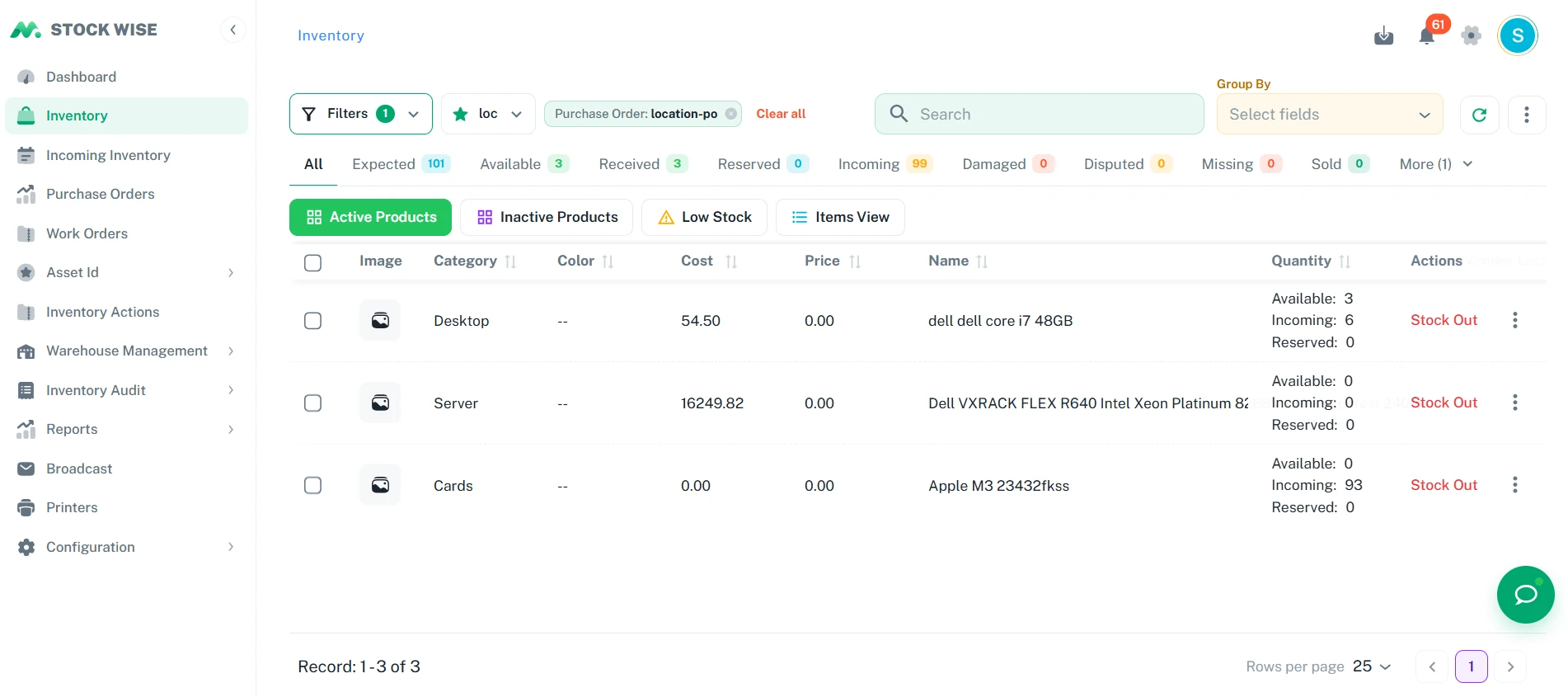
Know What You Have and Where It Is
Products, statuses, containers and bin locations connect, so stock levels and placements stay current as items move.
Warehouse Inventory & Serialized Asset Tracking Software
StockWise manages inventory from purchase-order receiving through storage, stock movement, work orders and reporting.
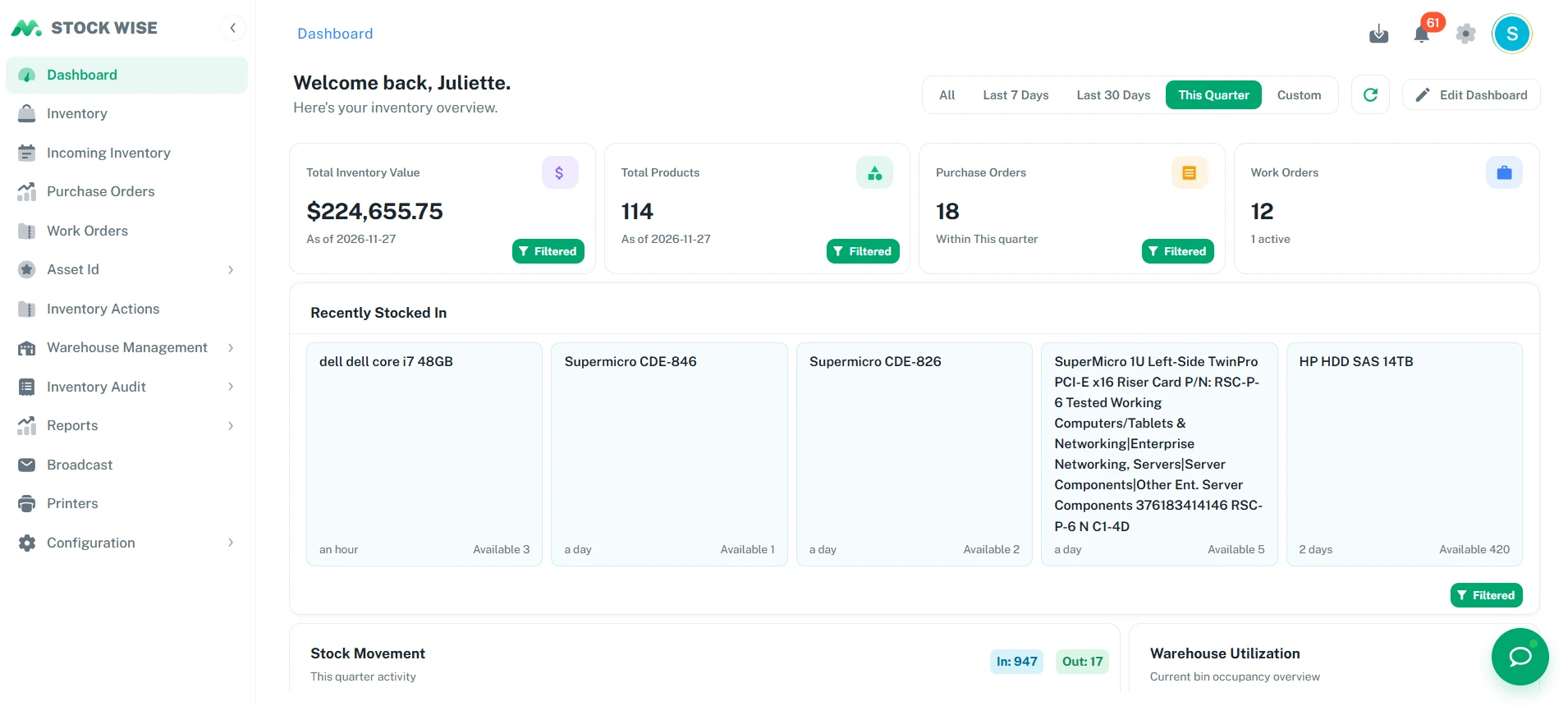
Built for businesses that handle serialized equipment, StockWise tracks product quantities and individual devices side by side, with Asset IDs, component history and a warehouse map that runs from facility down to bin.
When receiving lives in one spreadsheet, serial numbers in another and bin locations in someone’s memory, inventory drifts from reality. Devices are hard to find, containers move without updates, and every physical count turns into a project.
StockWise keeps those records in one place. Stock is received against purchase orders, items are assigned to bins and containers, serialized assets carry their own IDs and history, and work orders reserve stock before it leaves the building.
Products, statuses, containers and bin locations connect, so stock levels and placements stay current as items move.
Asset IDs follow devices and harvested components through assembly, disassembly and every recorded change.
Purchase orders, inventory actions and work orders tie warehouse activity to the orders behind it.
 StockWise
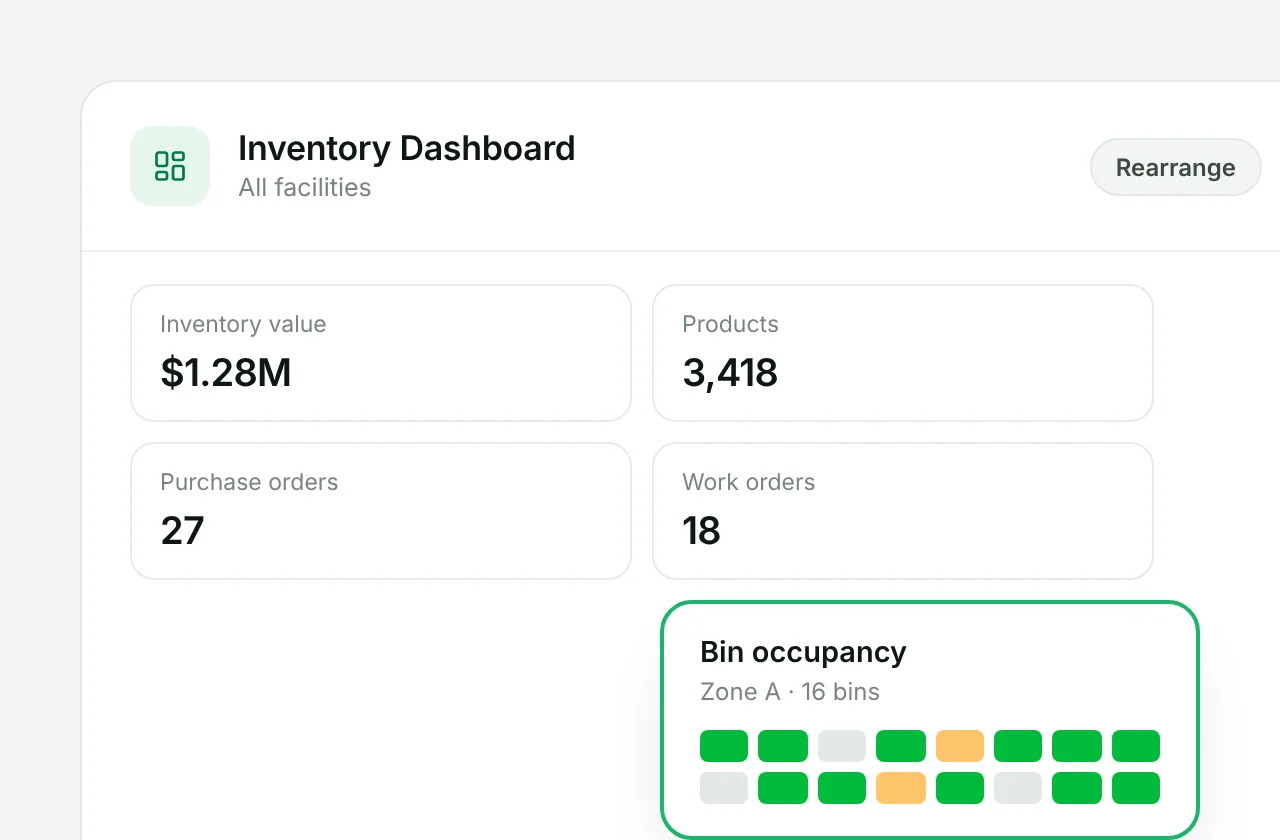
See total inventory value, products, purchase orders and work orders at a glance, alongside received versus stocked-out movement, bin occupancy and asset activity, with layouts you can rearrange.
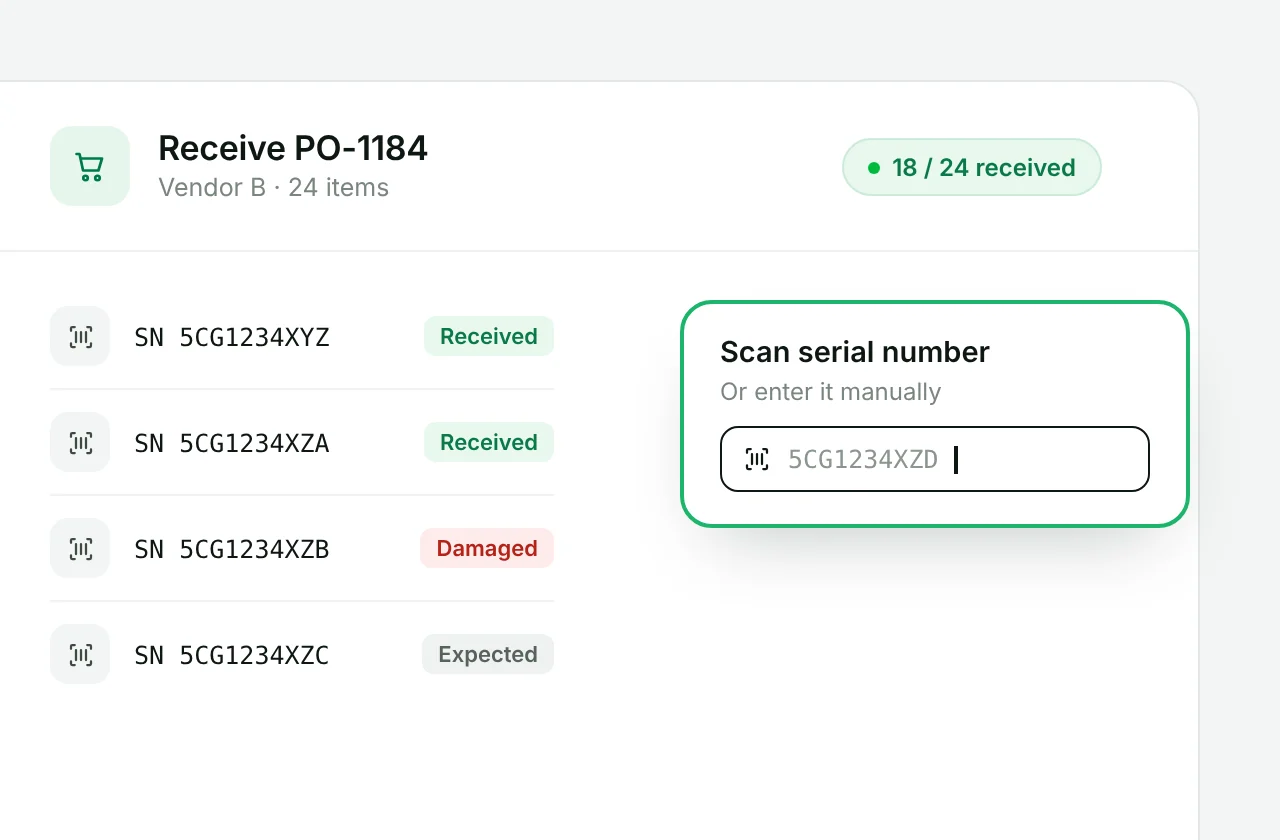
Receive stock against purchase orders by scan or entry, with statuses from expected and received to damaged, disputed or missing. One action hub handles stock in, stock out, restocking and damage.
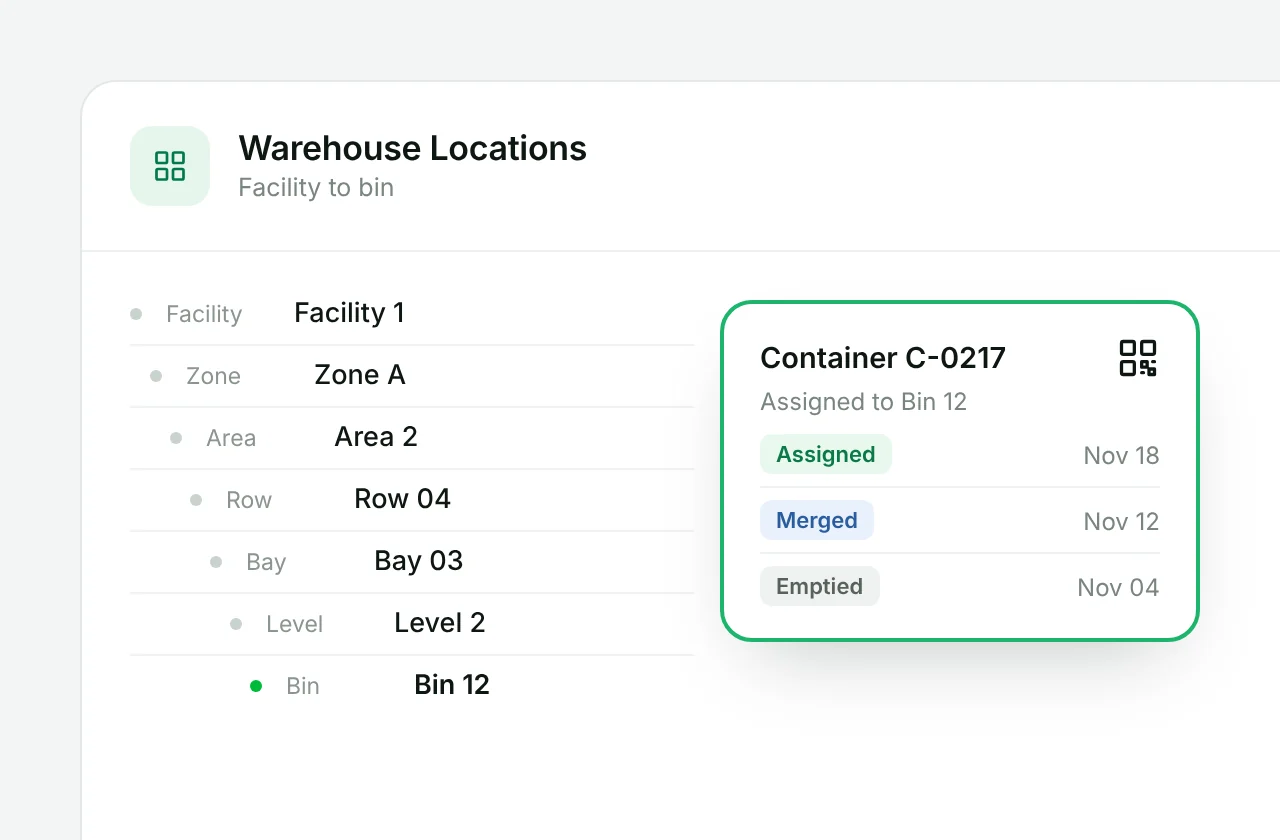
Model your facility from zone, area, row, bay and level down to bin, with occupancy and QR codes. Assign, merge and empty containers while keeping each one's history.
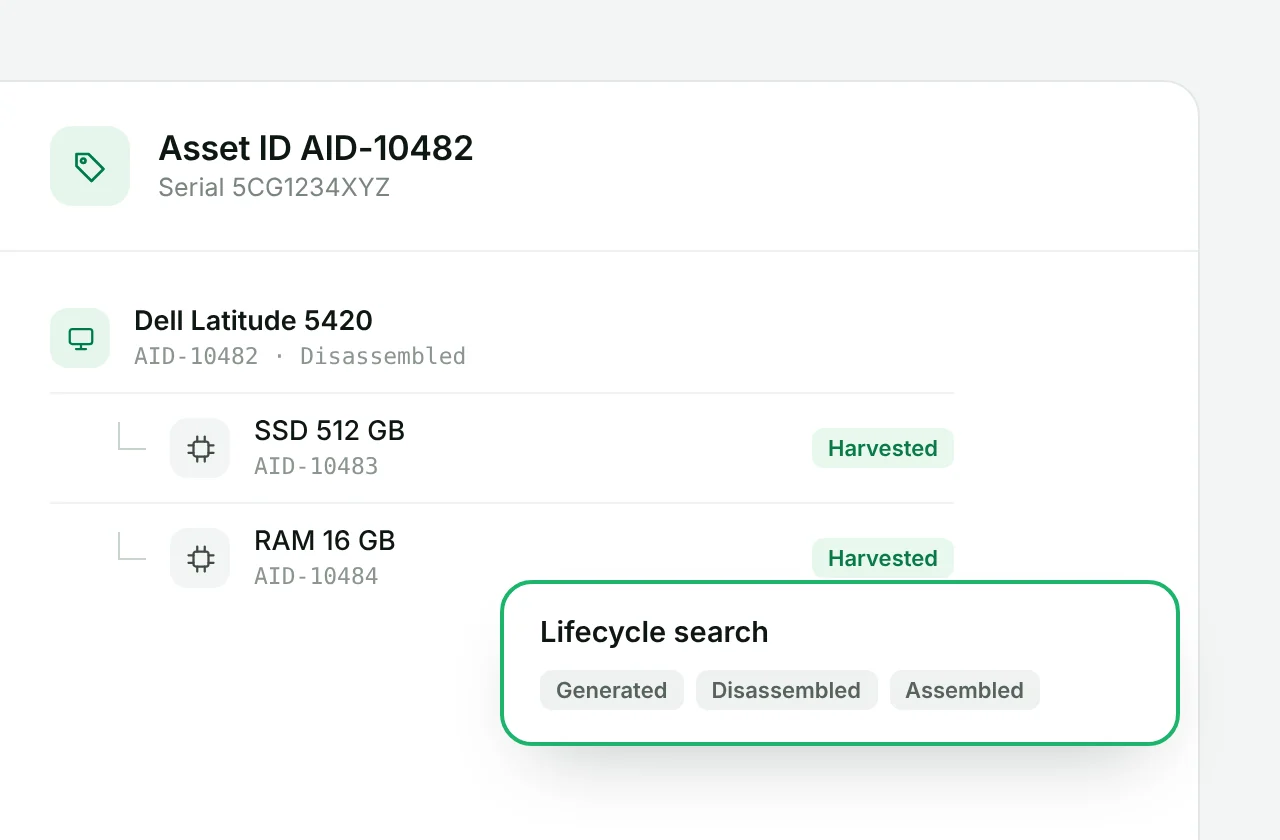
Generate Asset IDs and labels for products and components. Disassemble units into tracked parts, assemble parts into new products, and search the full history of any Asset ID or serial number.
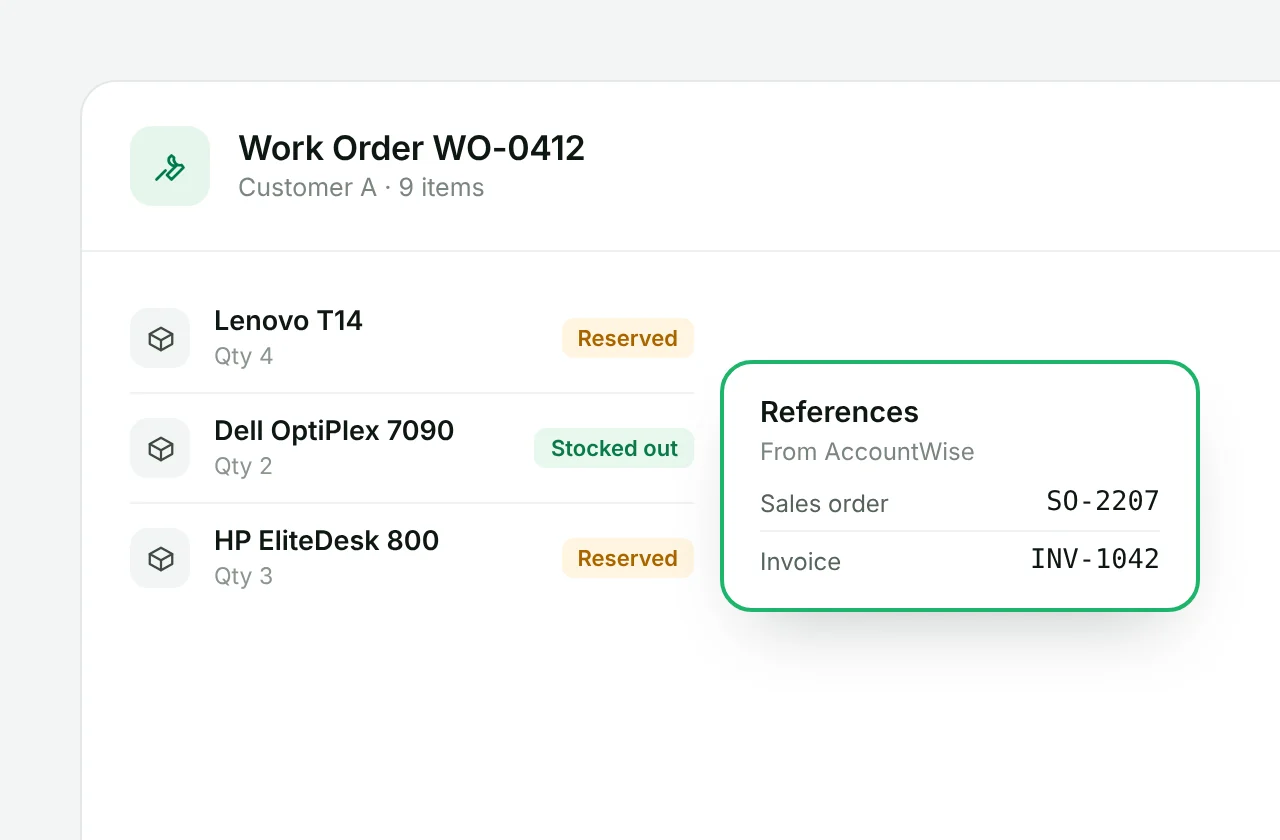
Reserve and stock out inventory through work orders created manually or from AccountWise sales orders, with sales order and invoice references kept on the record.
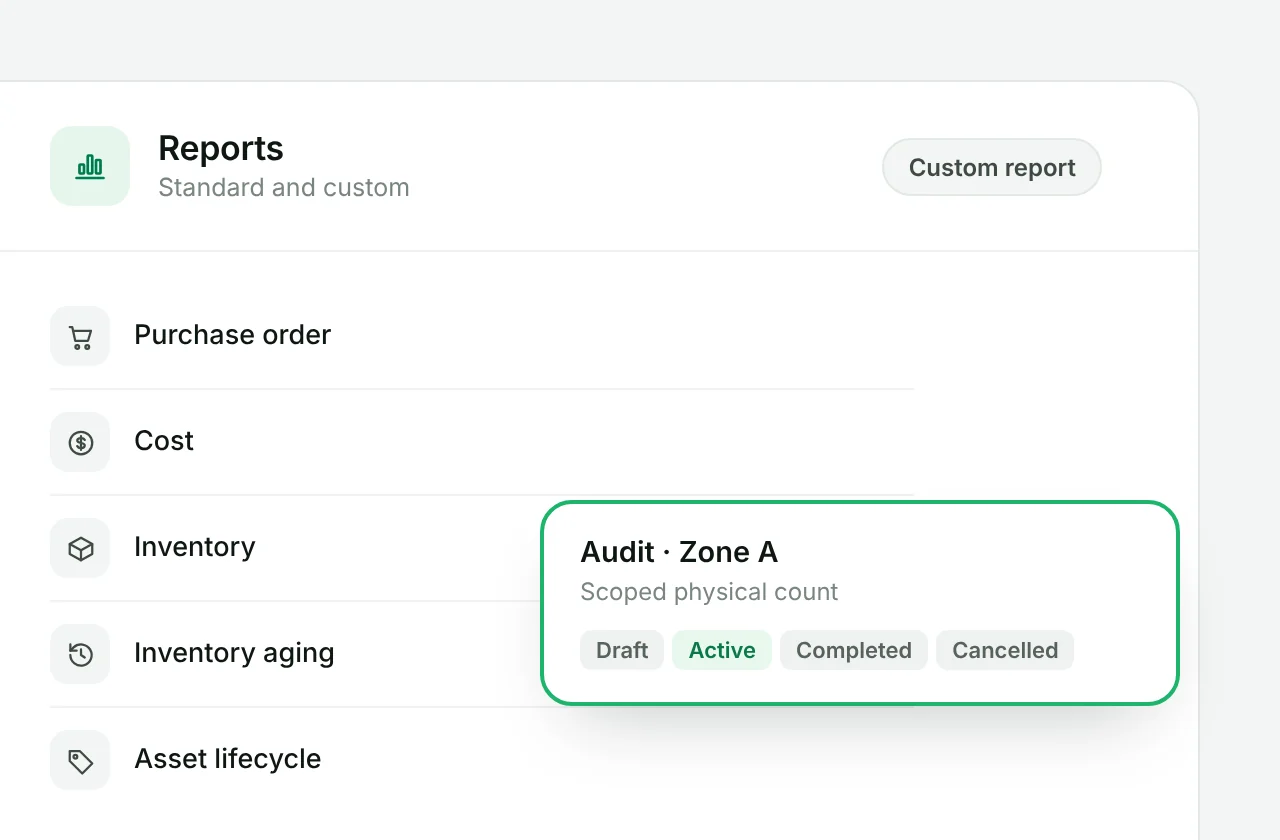
Run full-warehouse or scoped physical counts, and report on cost, sales, inventory value, aging, asset lifecycle and warehouse locations, or build your own custom reports.
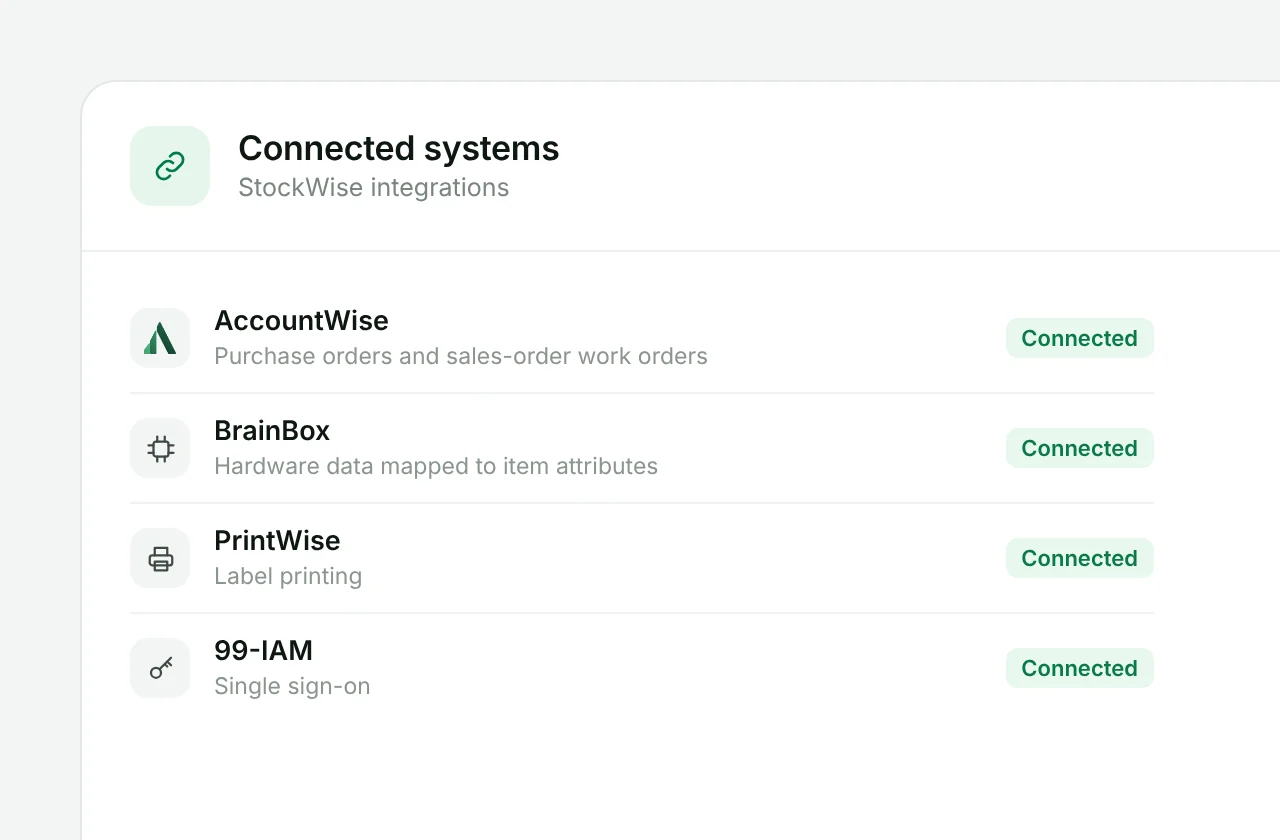
StockWise syncs purchase orders and sales-order work orders with AccountWise, maps BrainBox hardware data to item attributes, and prints labels through PrintWise, with sign-in through 99-IAM.
StockWise is built from modules your team uses as needed, so there's no single required sequence. Here's how a typical ITAD or refurbishment warehouse might run.
Configure categories, attributes and naming rules, then map your facility from zones and rows down to individual bins, with low-stock thresholds and warehouse rules.
Select the purchase order, scan or enter serial numbers, capture labels and record damaged stock where needed. Purchase orders can be created in StockWise, imported from templates or synced from AccountWise.
Assign items to bins and containers, generate Asset IDs for serialized items, and break units into tracked components where parts are harvested.
Create work orders manually or from AccountWise sales orders to reserve stock, then stock out items as orders are fulfilled.
Run a full or scoped physical count, check inventory value and aging, and trace any asset's history through lifecycle and location reports.
Inventory software is only as useful as the records it keeps. StockWise ties each item to its purchase order, its location and, for serialized items, its own lifecycle history, so your team can answer where something is and how it got there.
Controls are built into everyday work. Duplicate product records can be detected and merged with history, predefined attributes such as Asset ID and serial number are protected, and imported purchase orders can’t be overwritten by a second file.
StockWiseAsset IDs and serial numbers can be searched across generation, assembly and disassembly, with location and cost recorded for each asset.
Scanning rules, attribute validation, purchase-order assignment and audit statuses help keep stock activity and product data consistent.
Users sign in through 99-IAM single sign-on, and administrators assign application roles and reporting managers.
StockWise is part of the GreenLoop ERP family. The integrations listed here are the ones documented for StockWise itself. Location records and QR codes reflect what your team scans and assigns, not live physical tracking, and inventory audits are physical counts, not compliance certifications.
Request a DemoStockWise is inventory and warehouse management software from 99 Technologies, part of the GreenLoop ERP family. It covers purchase-order receiving, stock movement, warehouse locations, work orders, Asset IDs, audits and reporting.
Yes. Serialized items can be given Asset IDs and labels. When a unit is disassembled, each harvested component gets its own Asset ID, and lifecycle search shows how parts and products relate.
No. StockWise handles product-level quantities as well as serialized items. You decide which categories allow serialized tracking.
You map the warehouse as facility, zone, area, row, bay, level and bin. Each bin shows whether it's occupied, and containers can be assigned to locations and tracked with QR codes and history.
Yes. You can run a full-warehouse count or limit an audit to a defined scope. One audit can be active at a time, and each moves through draft, active, completed or cancelled.
Purchase order, cost, sales, inventory, inventory aging, asset lifecycle and warehouse location reports, plus custom reports you can build, save and reuse.
Yes. Purchase orders and sales-order work orders sync with AccountWise, BrainBox hardware data maps into item attributes, PrintWise handles label printing, and users sign in through 99-IAM.
Tell us how your warehouse receives, stores and ships equipment today. We'll show you how StockWise can track it, from the purchase order to the bin to the work order.